What is it?
This is a mini game found inside the Homestay proof of concept demo. In the context of the story, “Mech Protectors” is a recently released shooter game that, amongst a sea of other shooter games that came out at the same time, met with middling success. The player has many opportunities to return to this game throughout their adventure—getting to further and further stages as the story progresses.
The demo itself is designed to be expanded into a full self-contained game with many levels, just like a real arcade game. In the demo there are about 20 seconds of play in stage 1 before the level loops back to the beginning and increases the speed it runs at.
Inspiration
The game is based on the game 1942, designed by Yoshiki Okamoto. For the most part, Mech Protectors is just like that game—replacing the ability to do a loop with the addition of a shield that can be enabled to protect the player’s robot from projectile attacks.
The Play Area
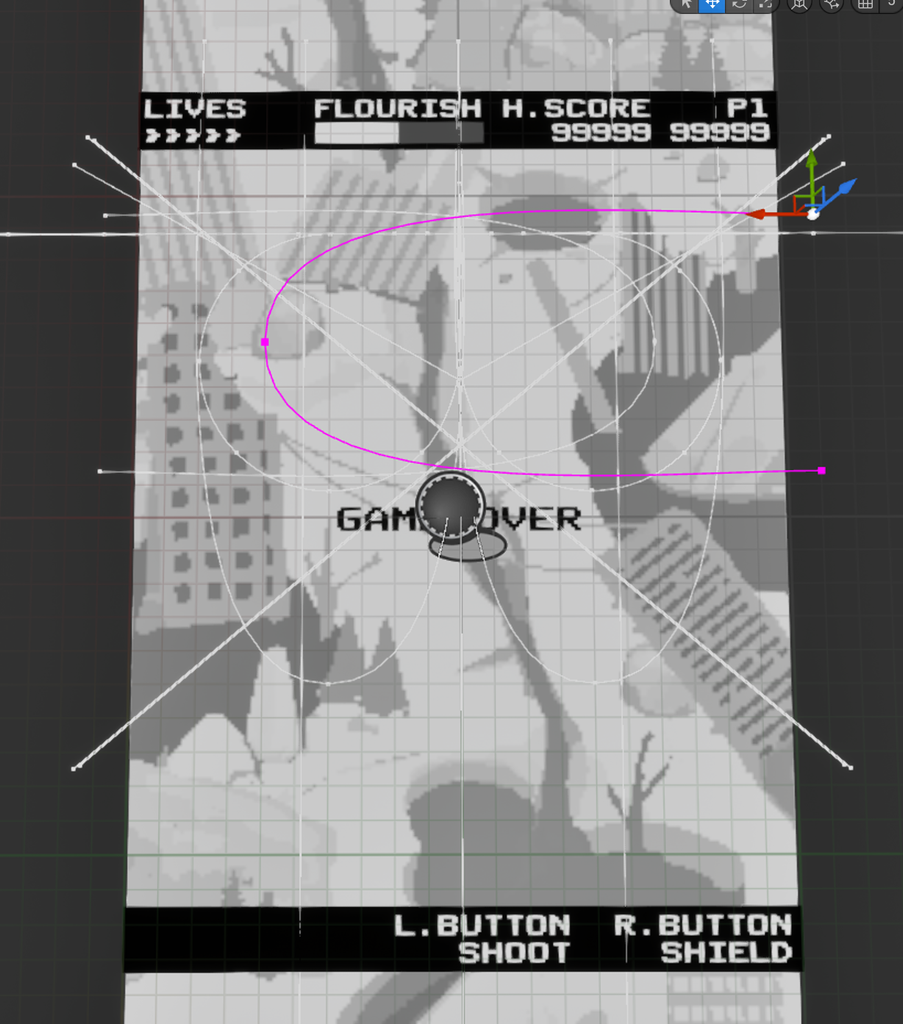
The game takes place entirely within this small playing surface. When the player starts the game this play area is spawned into the world at a location the player’s camera won’t see.
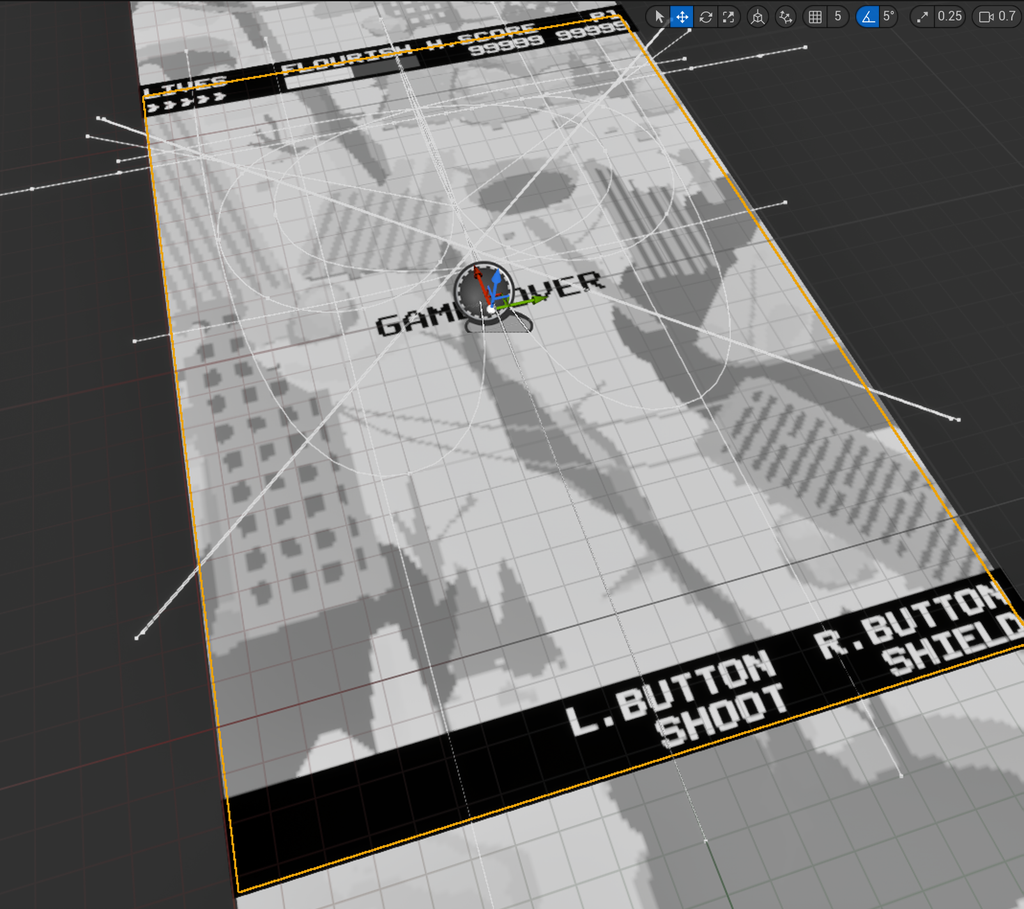
Visible here are the overlaid UI and scrolling background art, but the key elements are the splines (the white lines) used to represent object paths. When an object such as an enemy ship, floating debris or a powerup enters the play area they follow one of these predefined paths. The paths are easy to create in the editor and the designer is free to make as many variations as they want.
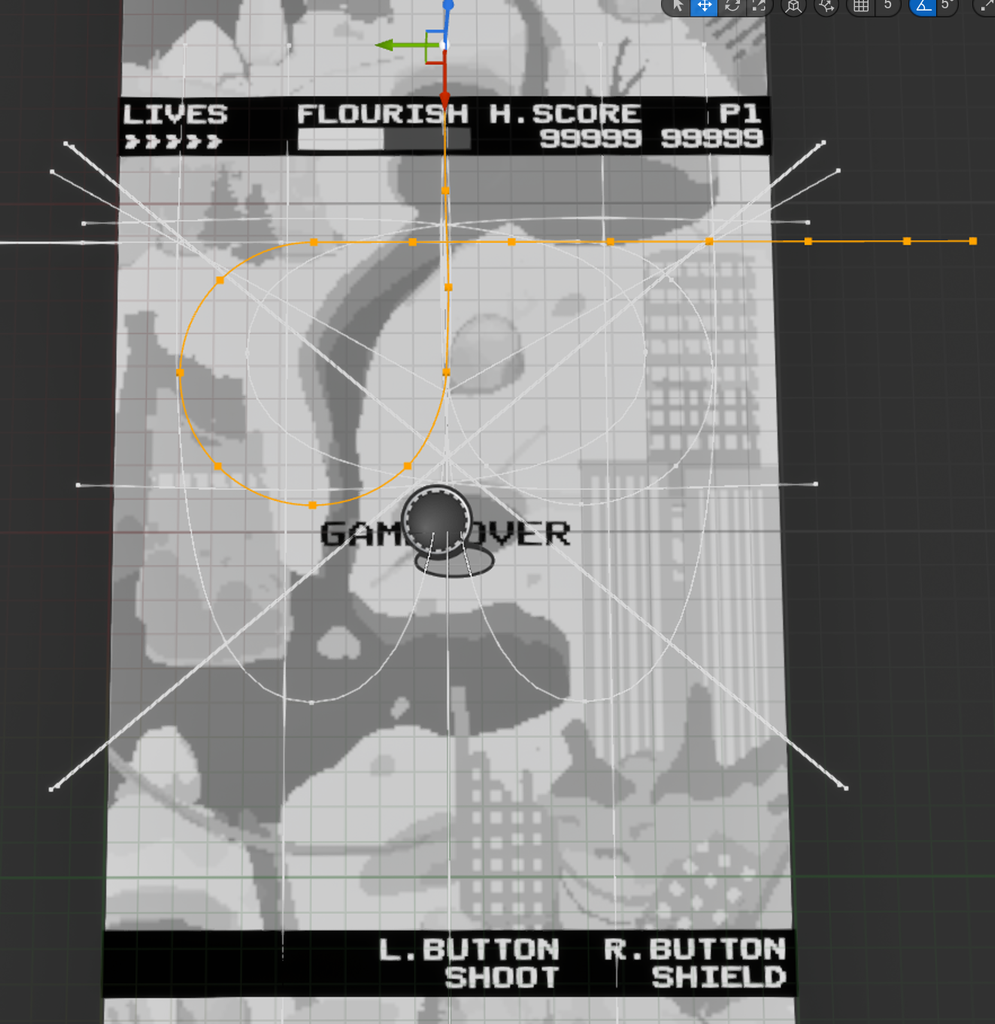
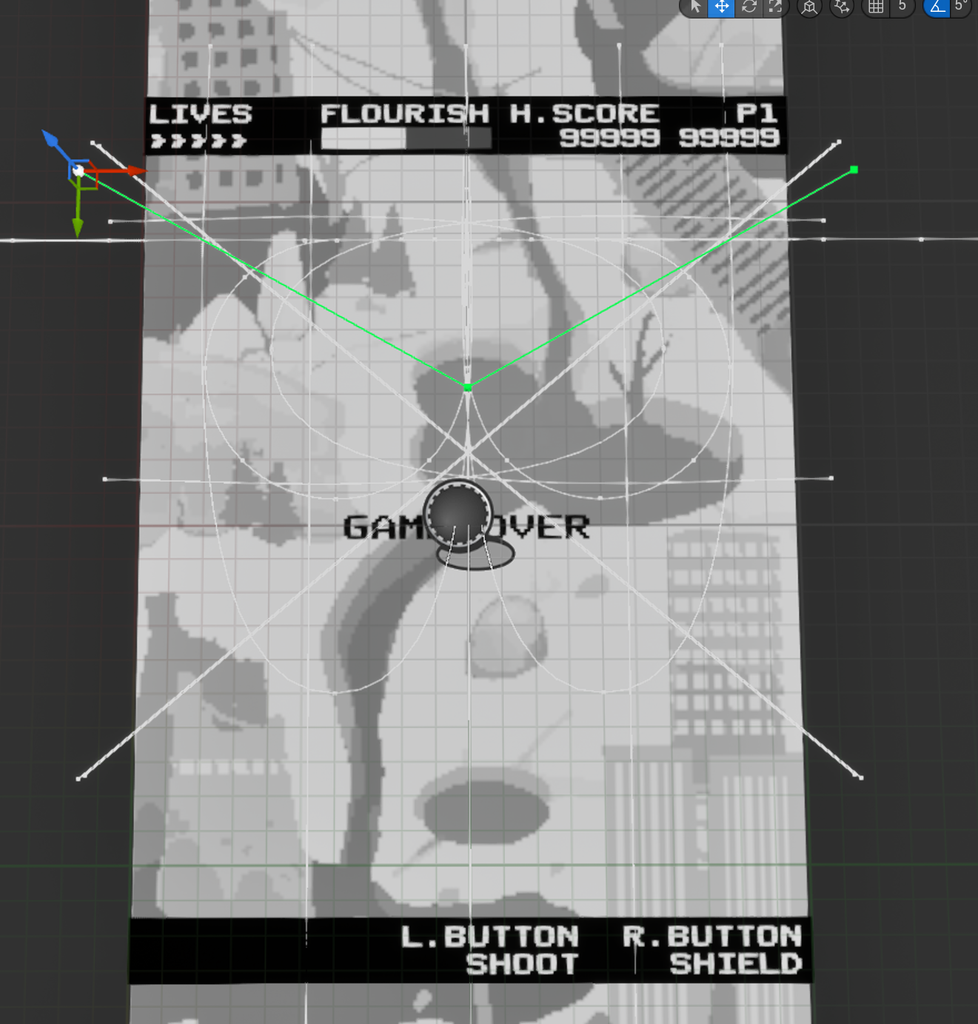
Pixel Grid Actor
All moving objects in the game inherit from a parent Pixel Grid Actor. This actor has two roles:
- allow designers to work with pixel-space values that match the simulated arcade display (ex. move speed = 400 px/second)
- rotate objects only in fixed increments (ex. 30 degree rotations only)
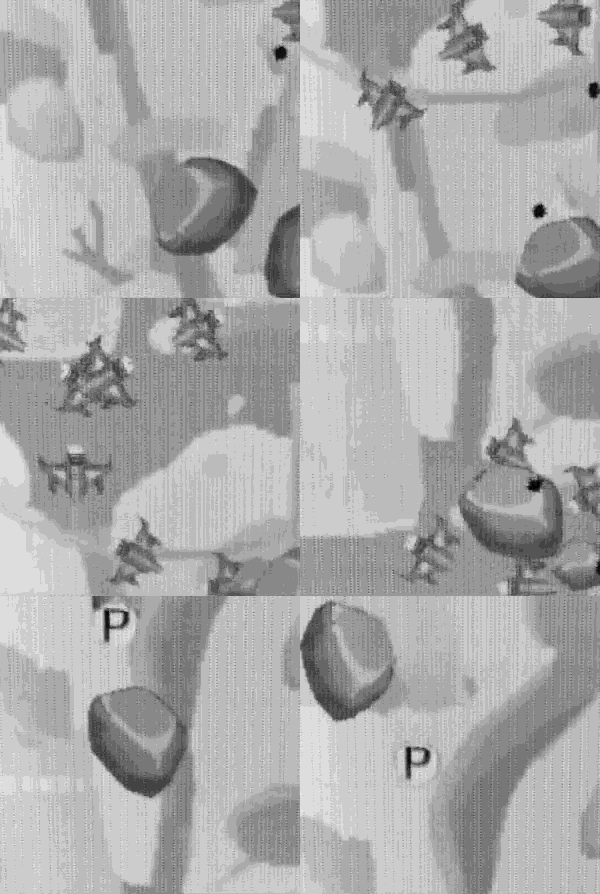
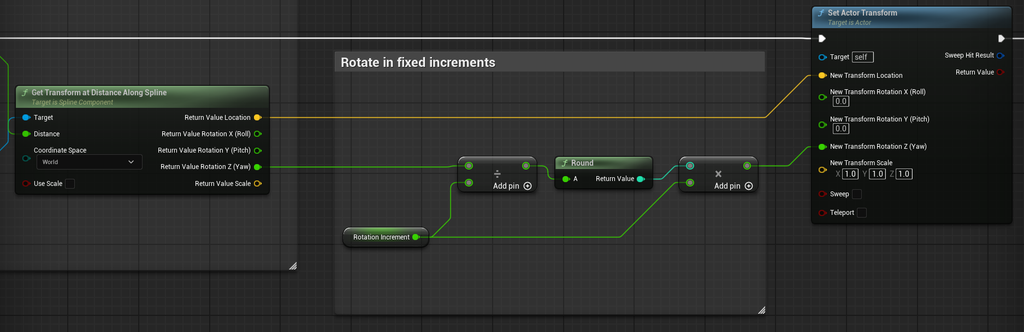
Games from this era could not simply rotate sprites and needed to create new sprites for every orientation an object might appear in. For Mech Protectors, instead of drawing multiple sprites for every rotating object, the designer just needs to set the rotation interval and the game will snap the sprite’s orientation to the nearest multiple of that interval—a luxury of modern game development.
Enemies, Debris & Power-ups
These are all variations of the Pixel Grid Actor with their own unique properties. When they are spawned into the world they are given a spline to follow.
- Enemies: Have health, ammo, and a shooting behaviour
- Debris: A type of “enemy” under the hood, but never shoots
- Power-ups: A collectible type, granting the player some effect when the player flies on top of it
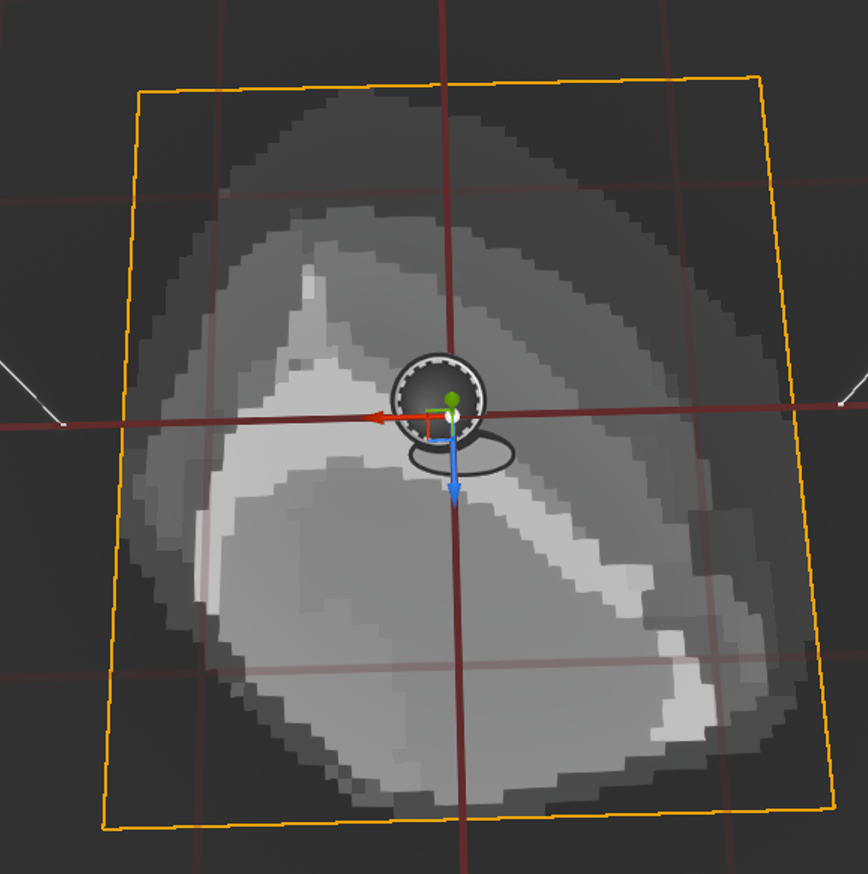
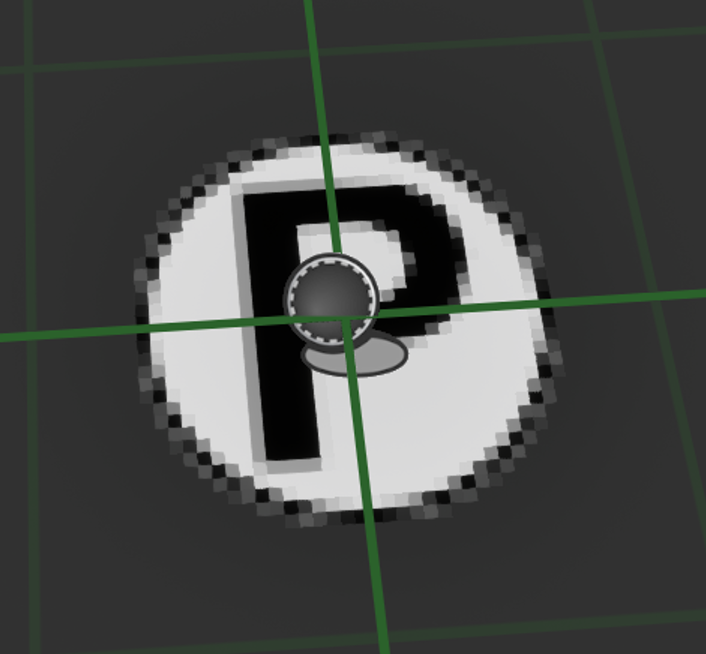
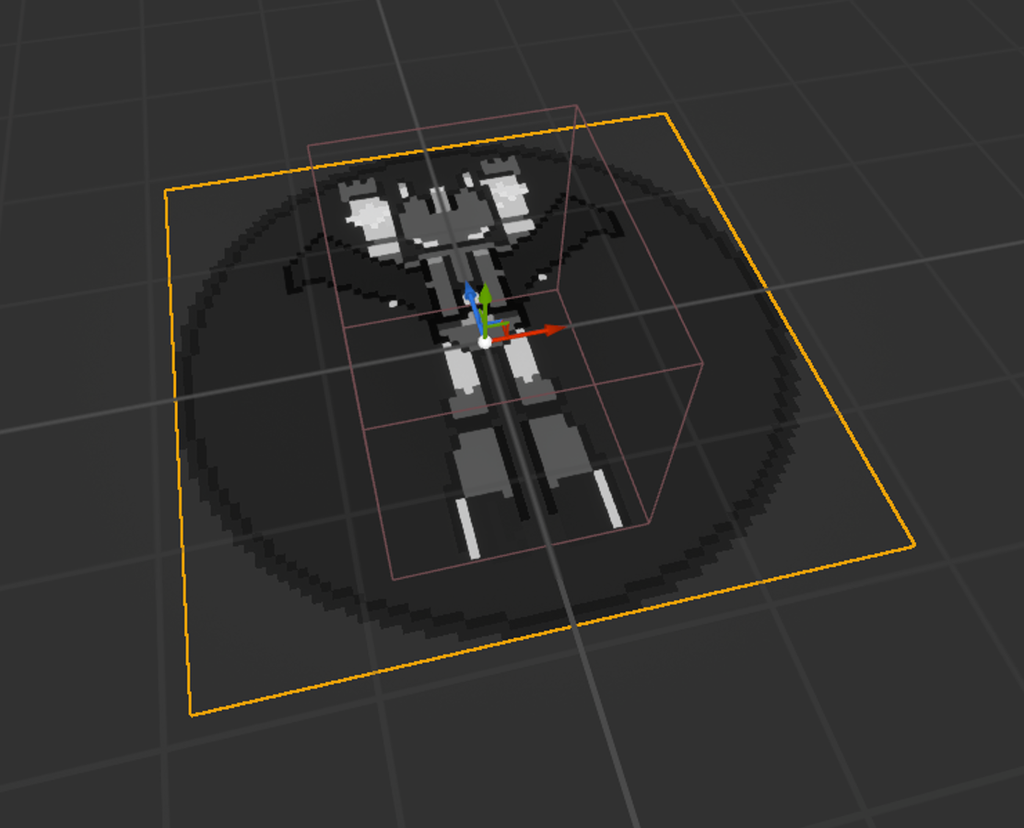
Player Ship
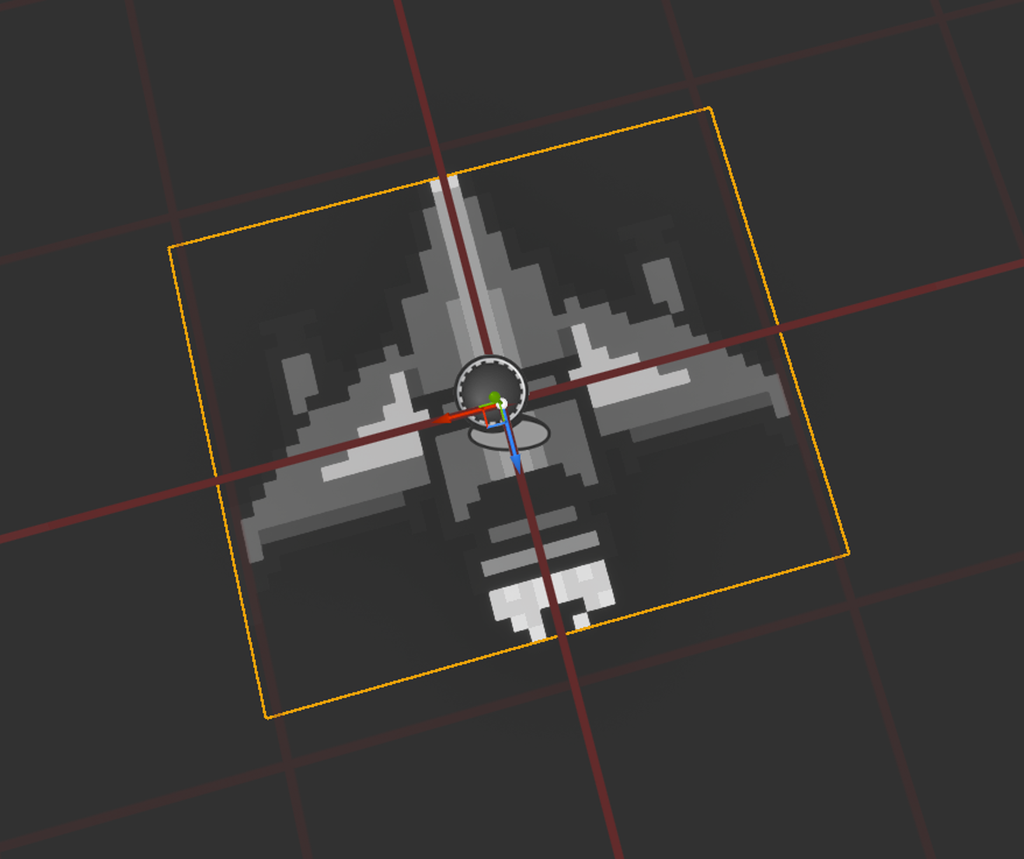
Another variation of the Pixel Grid Actor, but this one is entirely controlled by the player (i.e. doesn’t follow a spline). The player can move it around, shoot and activate their shield. The red cube in the image is the hit box.
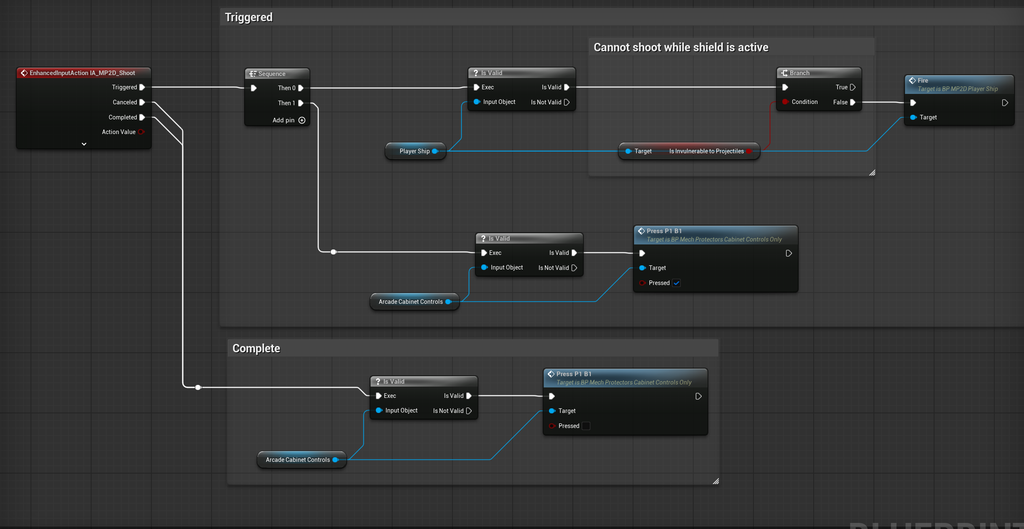
Stage Data
Each stage specifies its data in a simple data table. Each row of the table represents one wave of objects. These 20 rows represent the entire level in the demo. Once all rows have been spawned and all objects have cleared off the screen then the level is complete.
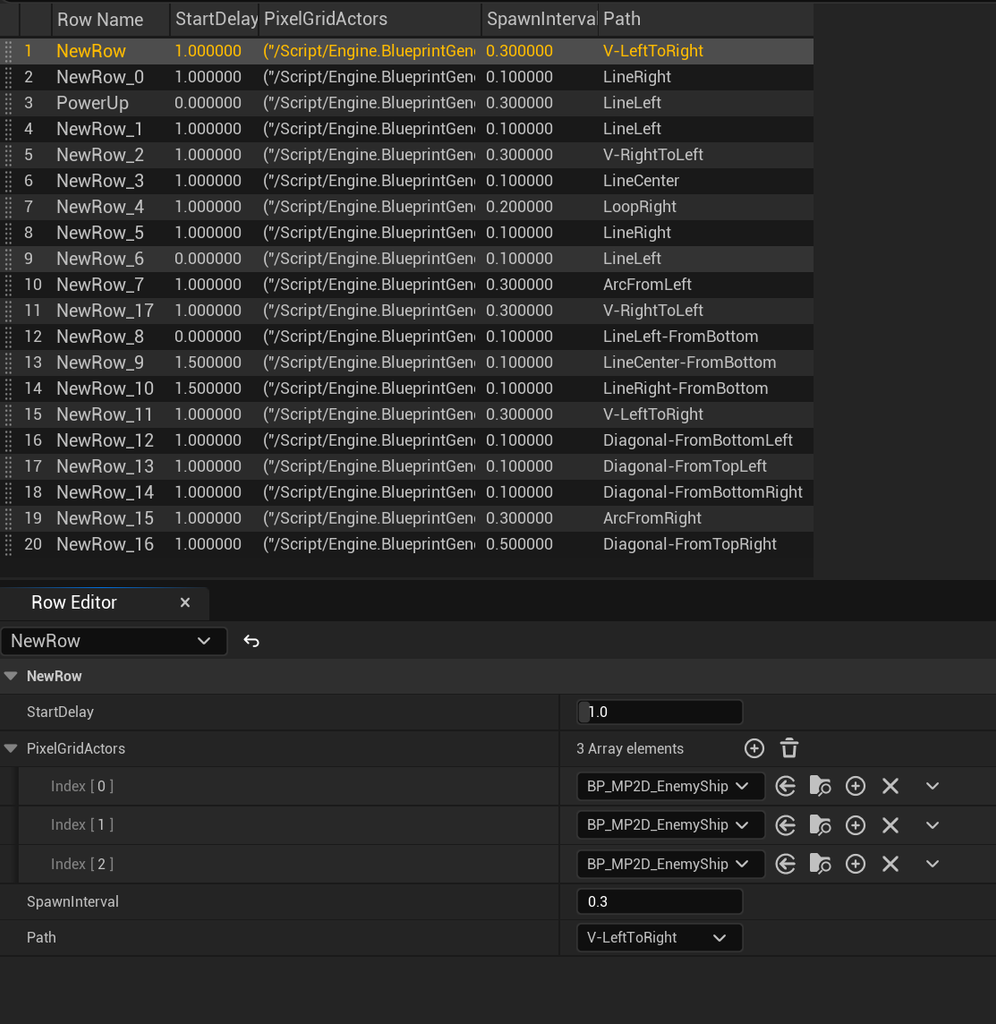
- Start Delay: how long to wait after the previous wave has finished spawning before the wave should begin
- Pixel Grid Actors: the actors to spawn and in what order
- Spawn Interval: the spawn time between actors within the wave
- Path: which of the predefined splines to follow as the object path
The In-World Display
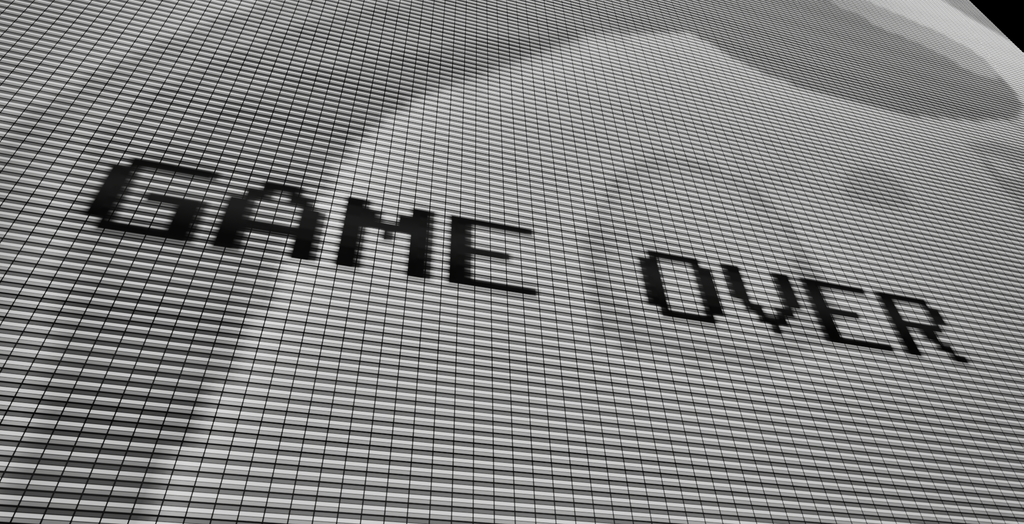
There is no actual arcade cabinet, just a floating screen and floating controls set against a black background. Here is the screen with the background enabled and disabled.
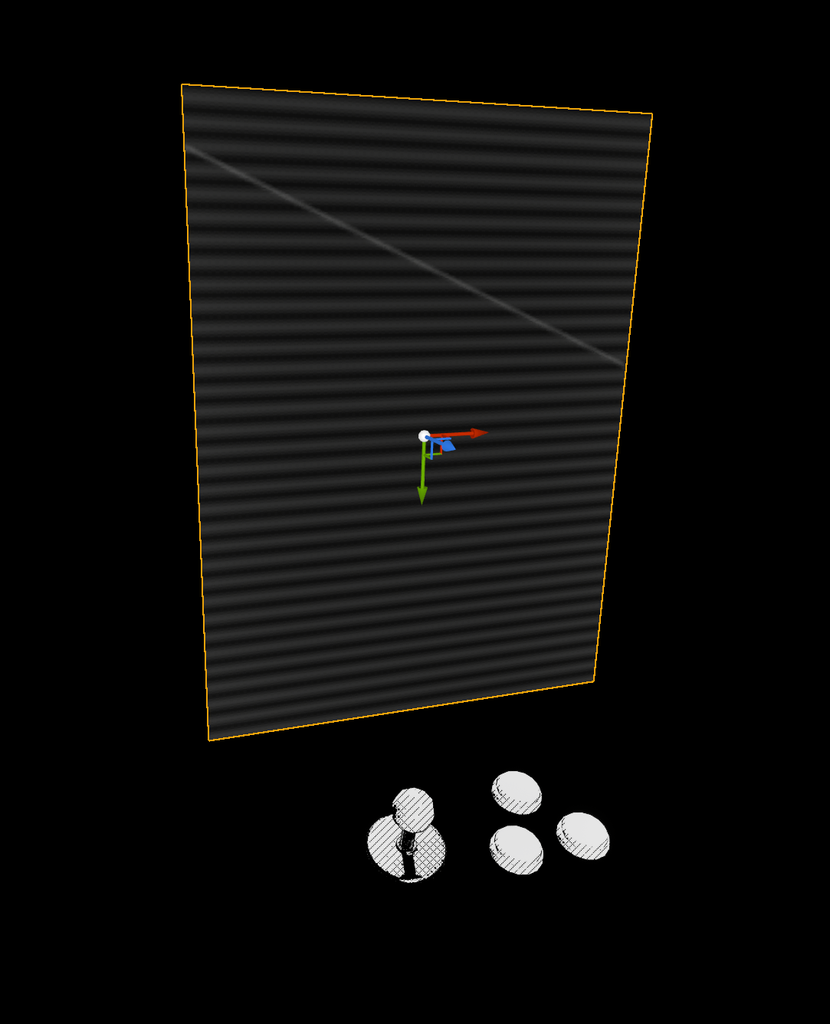
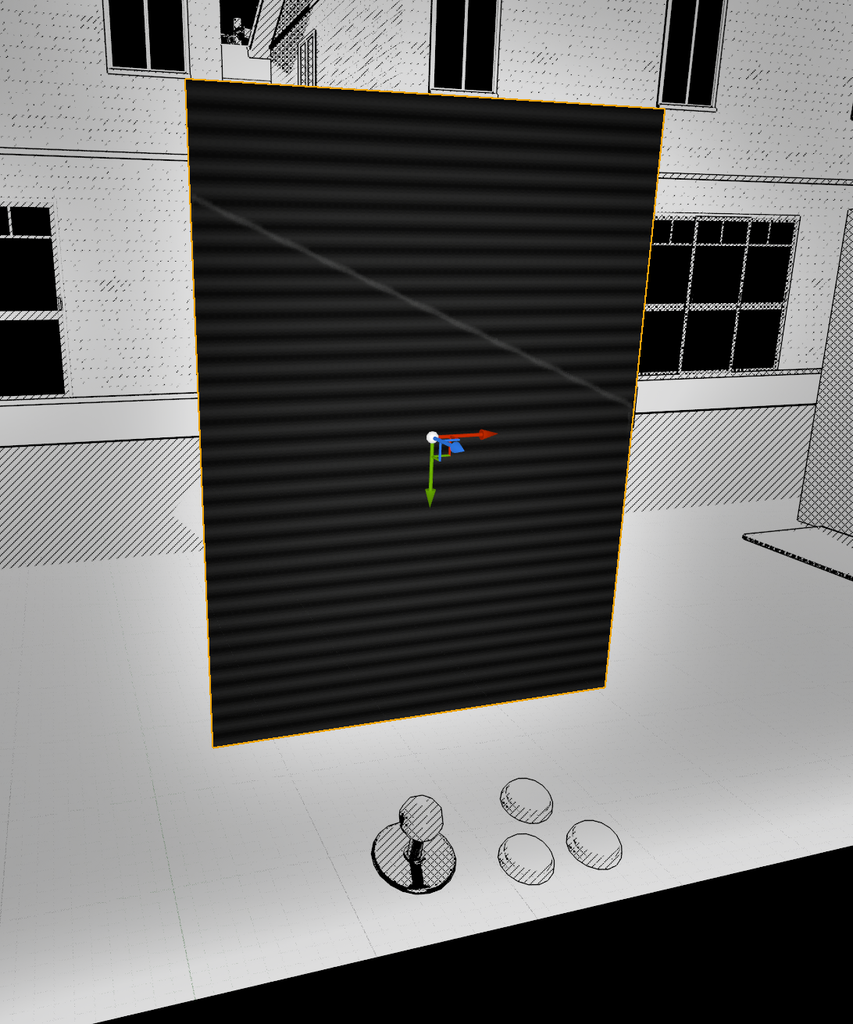
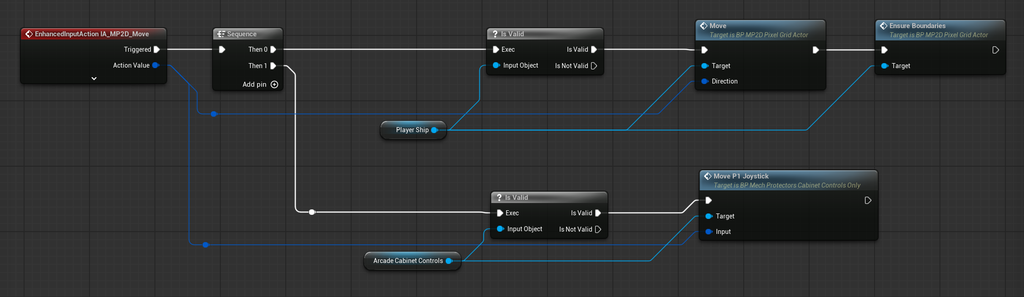
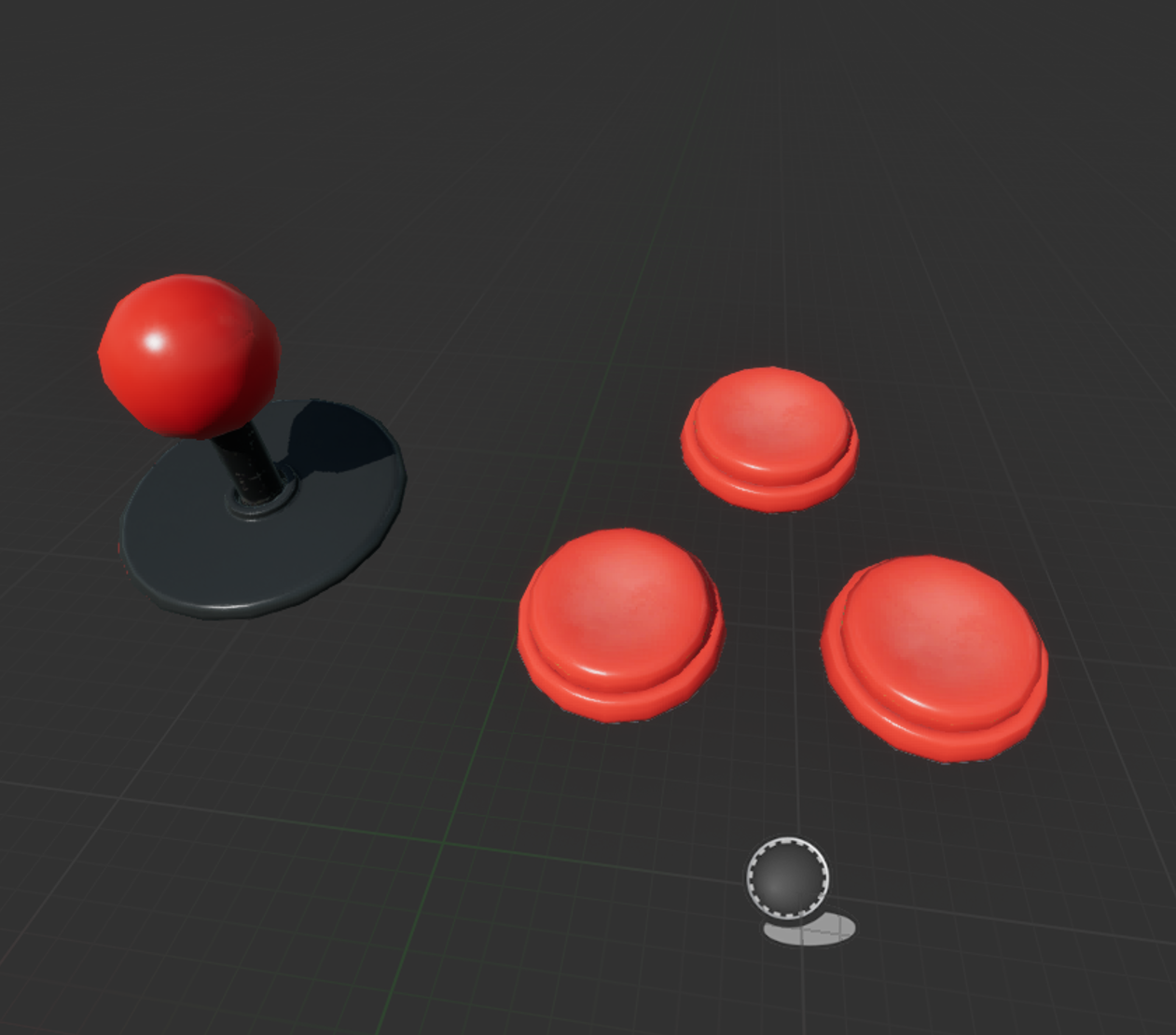
The joystick and buttons are regular static meshes that animate based on the player’s input for the game. They are controlled at the same moment the player’s mech is.
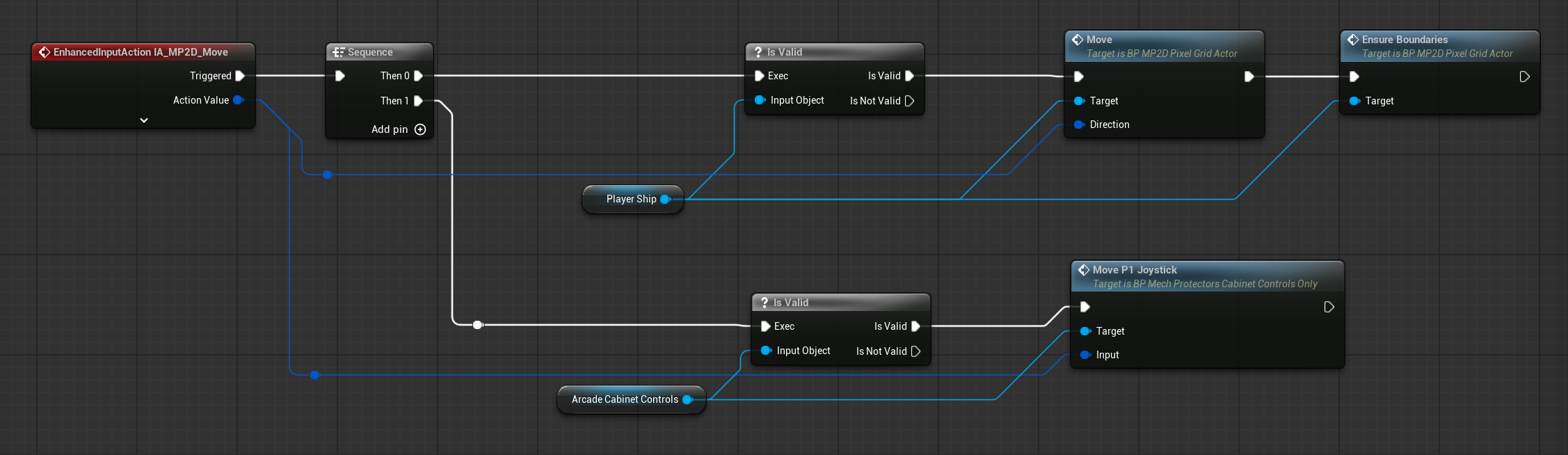
The game is captured by an orthographic camera with its result stored in a render texture.
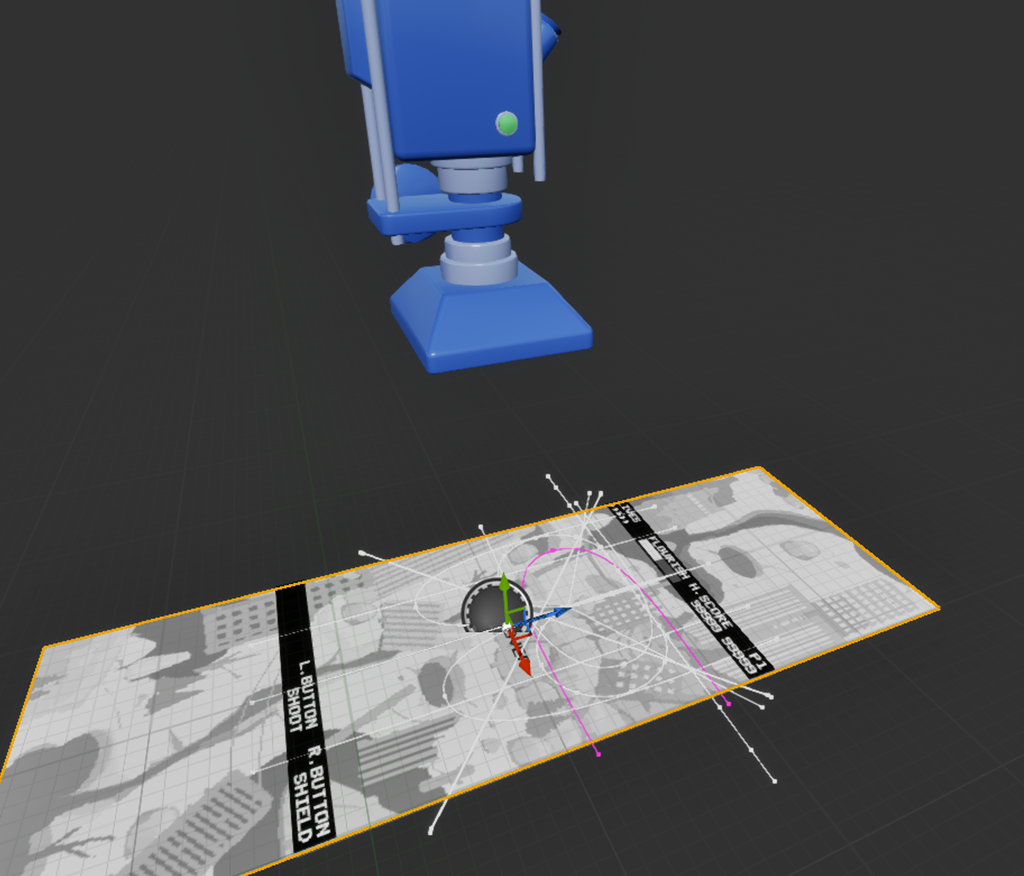
This texture is then applied to the floating screen in the world, and it is this screen that is visible by the player’s camera.
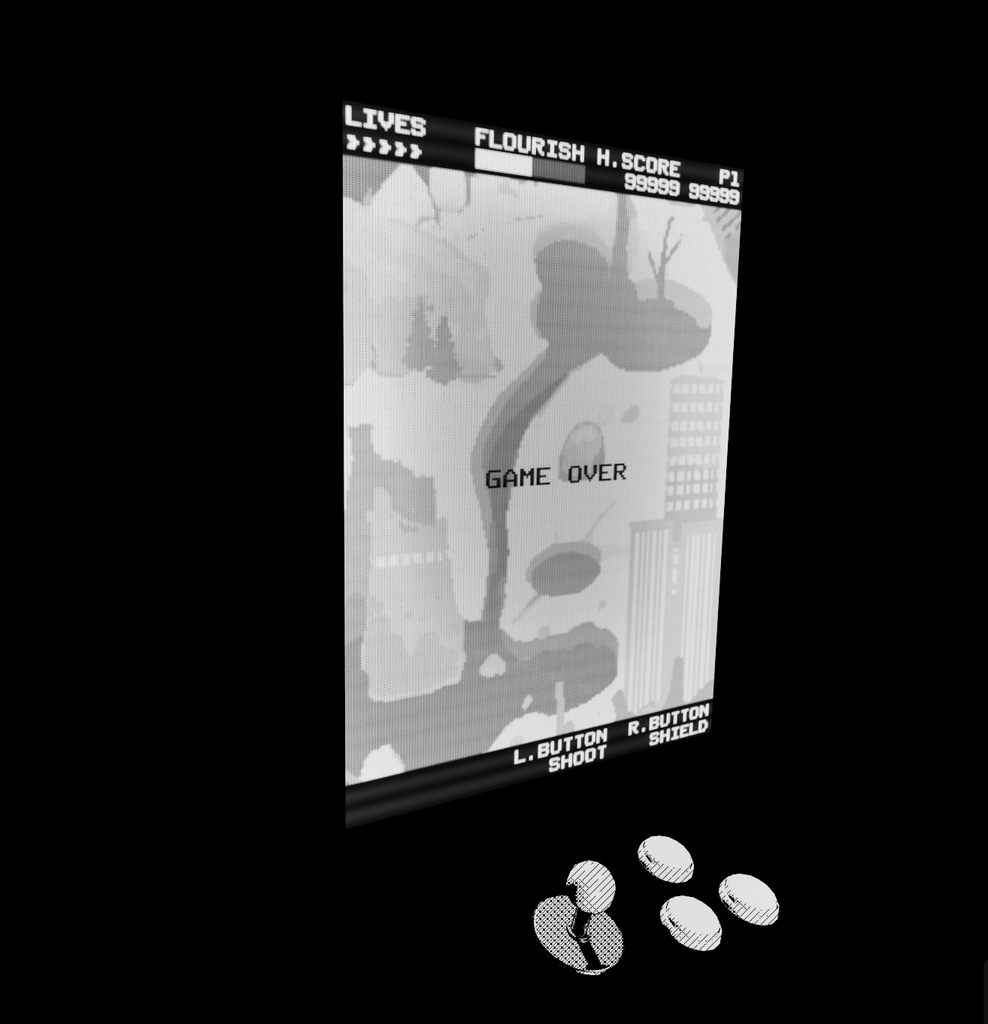
And finally, the beautiful CRT screen material is part of the Arcade – COMBO Prop Pack (Vol. 1 – 3) asset pack by Dekogon Studios.